
Credit Sale #
- Select a Client
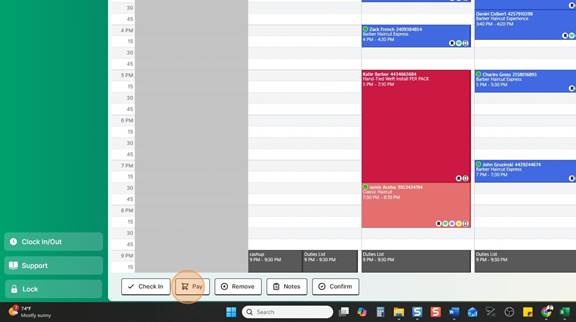
- Click Pay
Payment Types: You can click the button or the calculator (Specific Amount).
- Select Payment Type
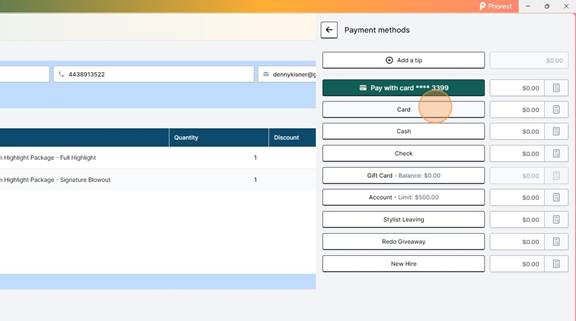
- Choose Terminal – You can send the payment to either card terminal
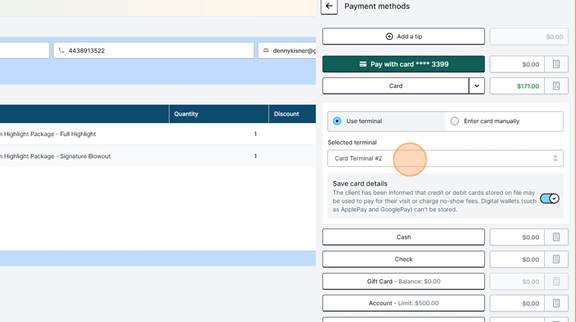
Terminal 1 = Left Side towards salon
Terminal 2 = Right Side towards the windows
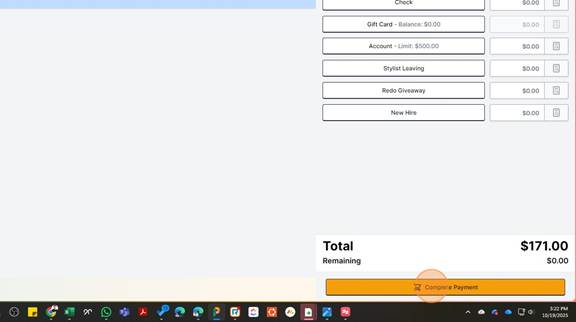
- Complete Payment
Cash Sale #
- Click Calculator (unless the give you exact change)
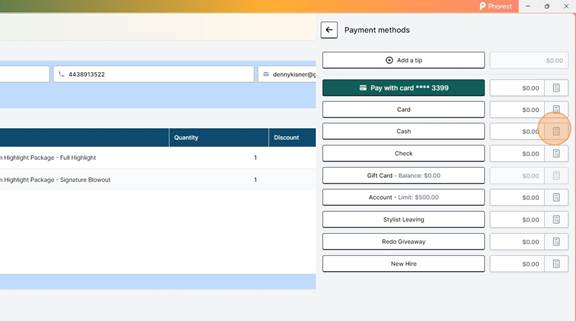
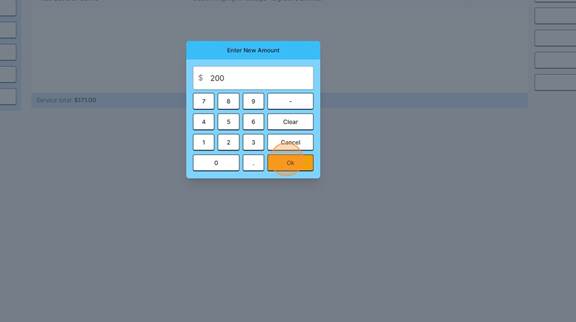
- Enter Total Cash Received from Client, Click okay
- Drawer will Open – Put money in the drawer and give client the amount of change Phorest is telling you that we owe them.
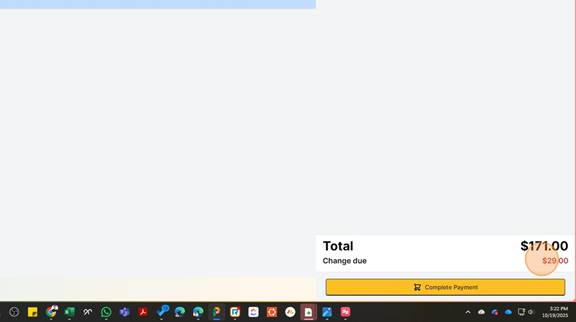
- Close Drawer – All Done!