Add & Amend Products #
Add new products, amend existing ones from your inventory list, or archive discontinued products altogether. Whatever it is you want to do, this video will show you how.
Video Transcript: Add & Amend Products
Let’s add a new product to your Inventory list in Phorest.
The basic tab is where you will add your product information.
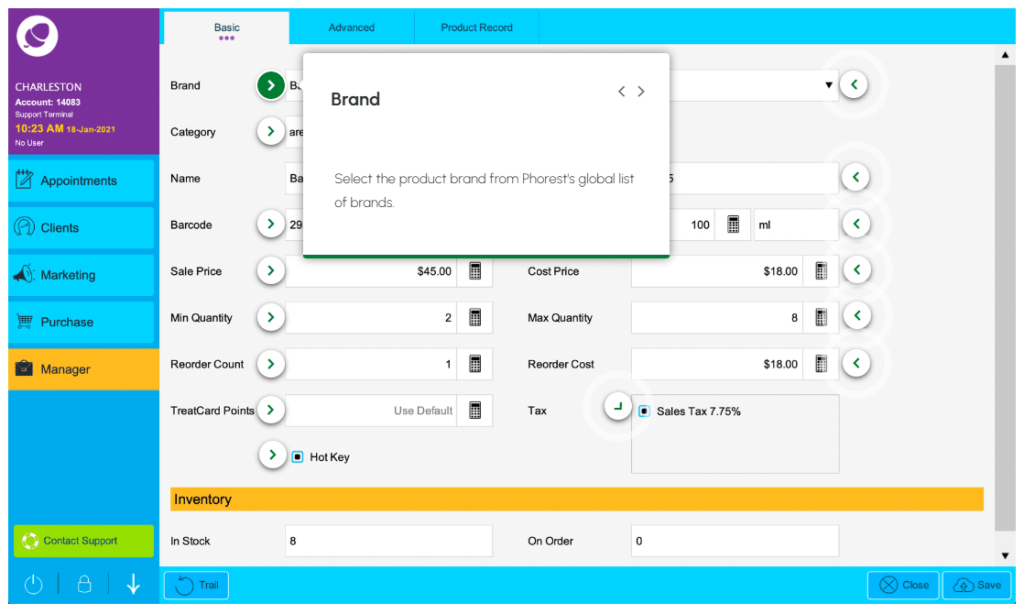
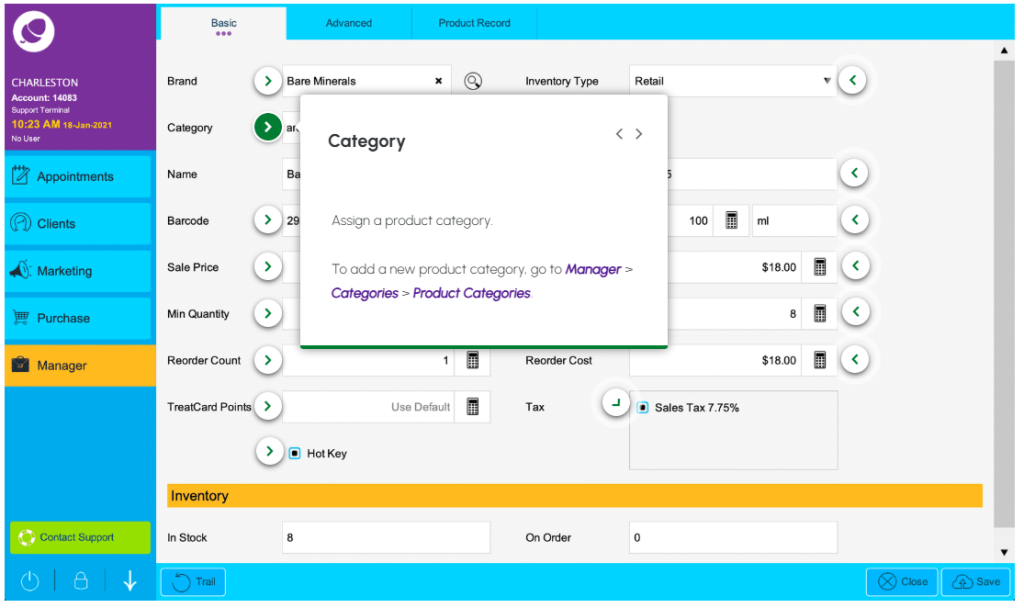
Start by assigning a brand and product category . . . then state whether this is a retail, professional, or color product.
Continue down through the rest of the product fields. The more info you add, the better.
Monitor your inventory levels by setting a minimum and maximum quantity for this product. Once the quantity starts to get low it will turn yellow in your inventory list and should be re-ordered.
If this is a popular product, you can create a ‘Hot Key‘ to add a shortcut to your purchase screen.
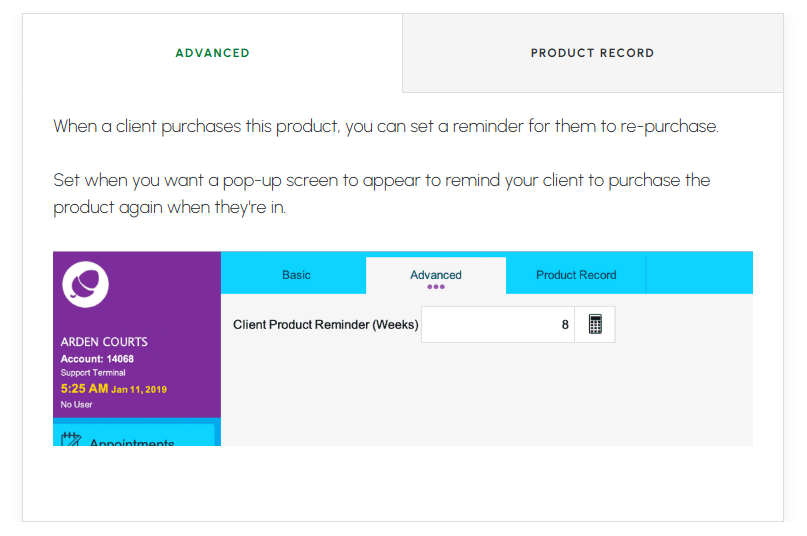
When a client purchases this product, set a refill reminder under Advanced. A pop-up will appear on Phorest reminding you to ask if they need a top-up of the product after a period of time since their last purchase.
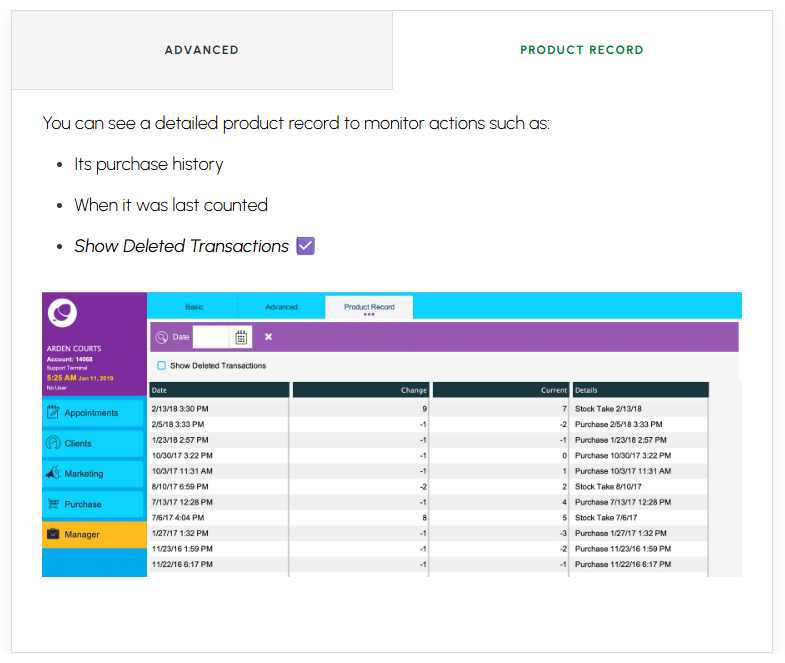
Product Record is further down the line when it can give you a history of the product’s status.
Once you save the new product you must do an inventory count to tell Phorest how many units are in stock.
To remove products you no longer offer, tick the check box followed by Archive. Repeat these steps to unarchive a product.
Basic Product Information Fields #
It’s fair to say adding a new product involves quite a few details. We recommend using this time to understand what’s required for optimum product management.
NOTE: Pay Particular attention to the minimum & maximum quantity levels for seamless inventory orders.
Click through the glowing purple arrow ‘< >‘ icons to take a deep dive into each product field.
Product Profile – Brand #
Product Profile – Category #
Product Profile – Barcode #

Product Profile – Sale Price #
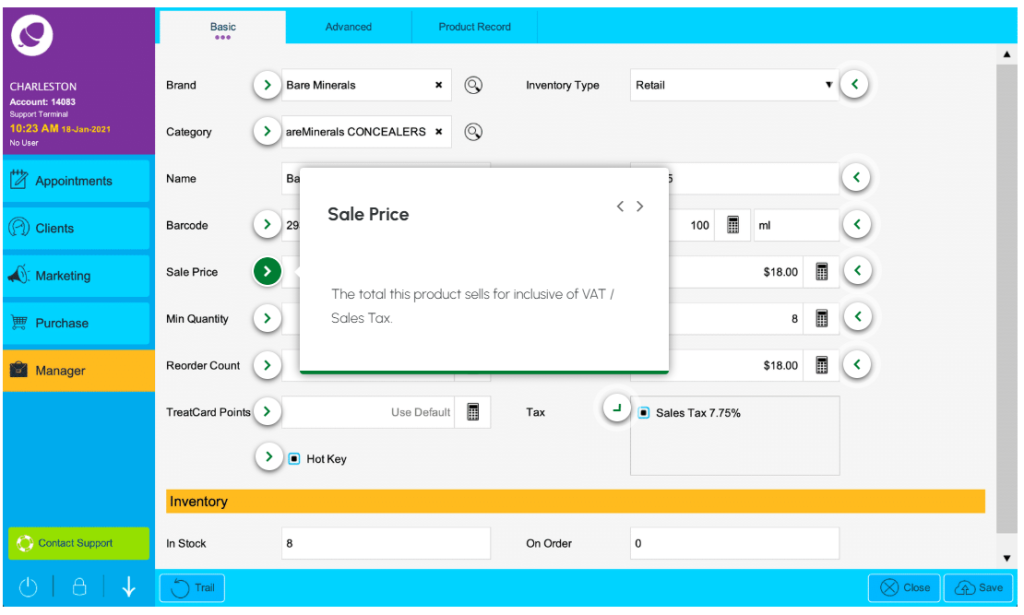
Product Profile – Min Quantity #
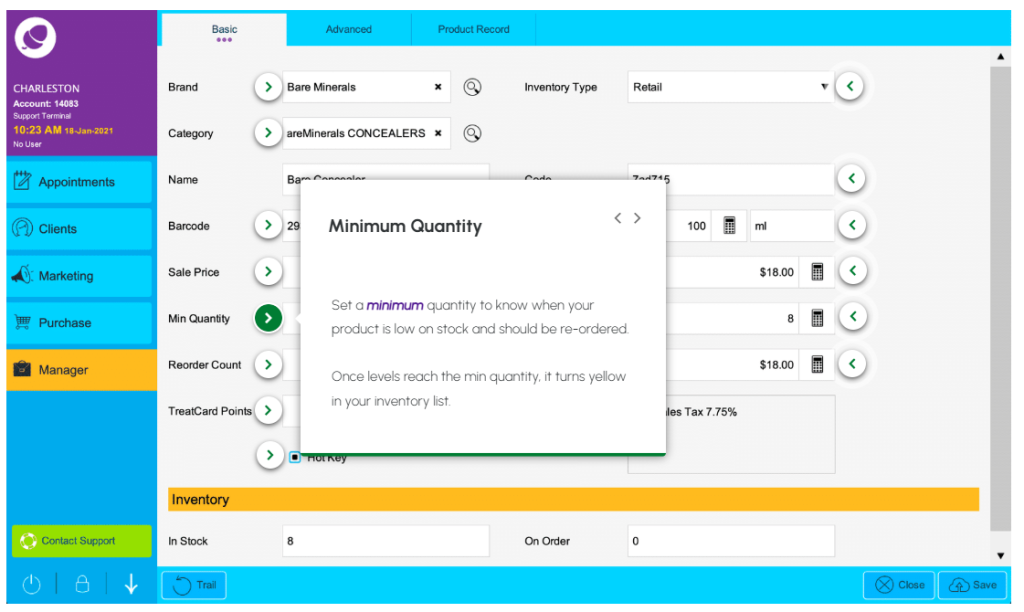
Product Profile – Max Quantity #
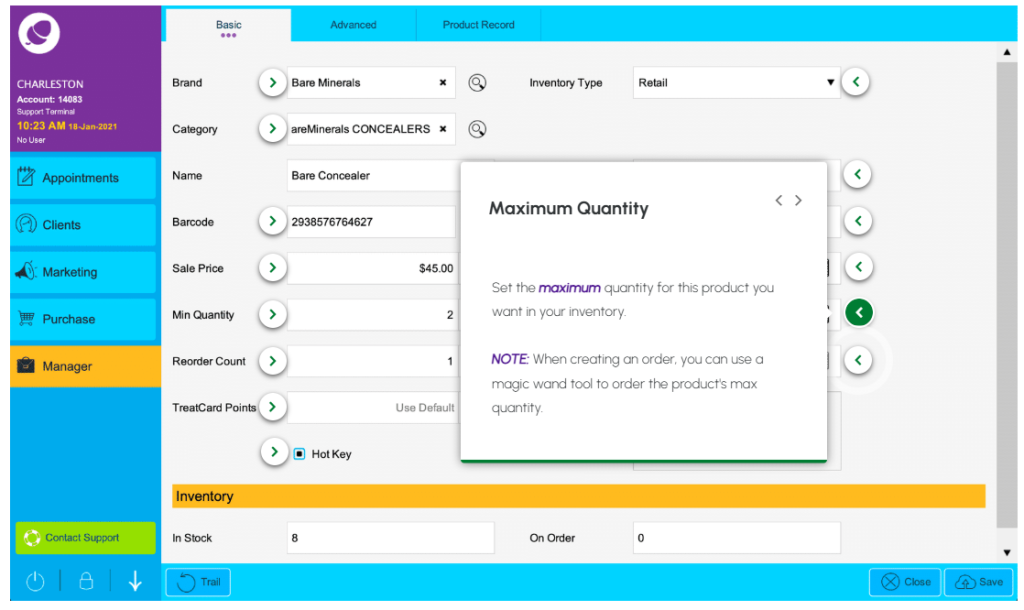
Product Profile – Reorder Count #
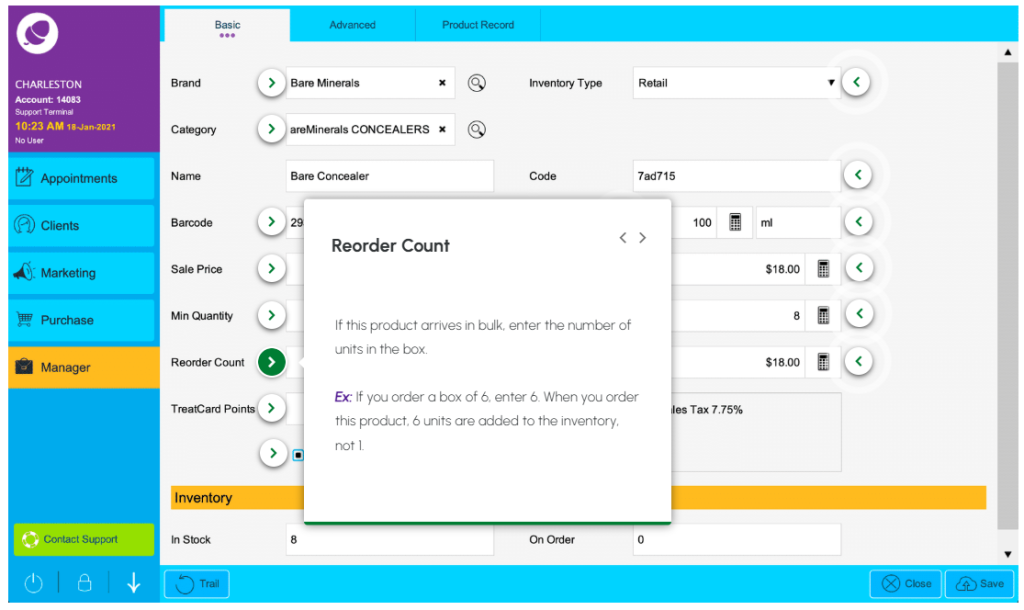
Product Profile – TreatCard Points #
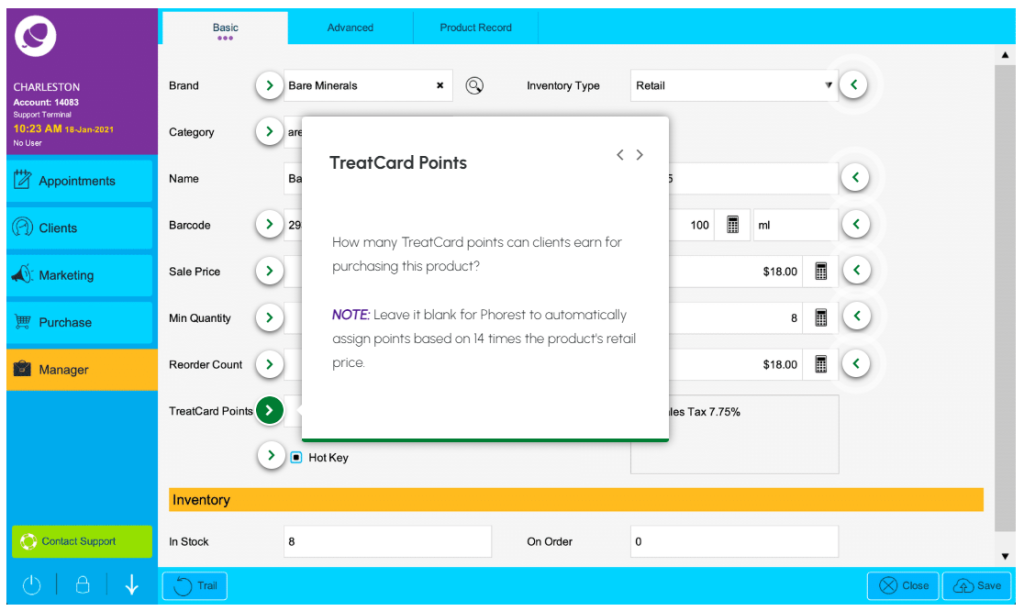
Product Profile – Hot Keys #
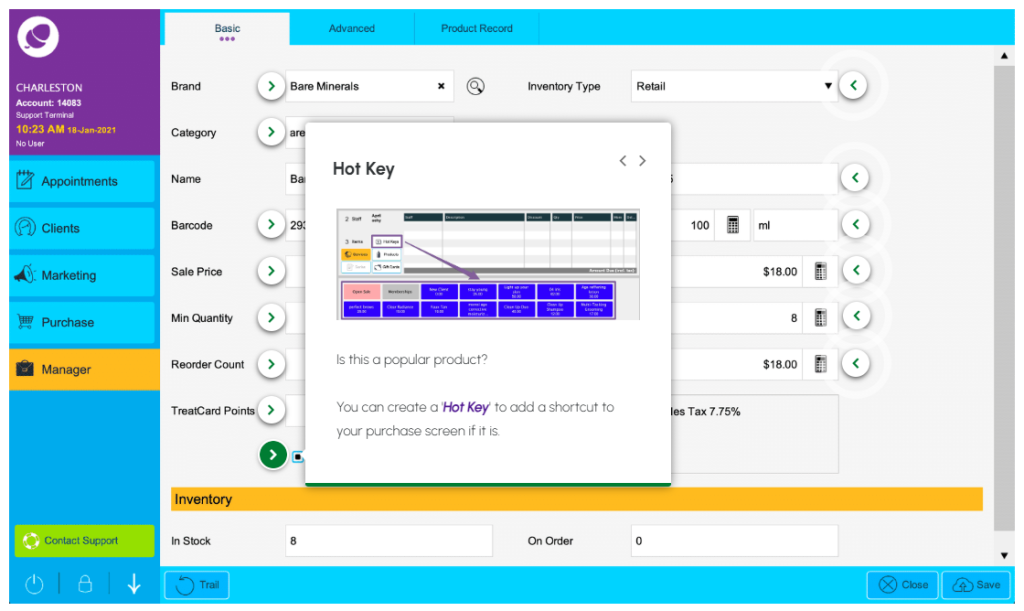
Product Profile – Inventory Type #
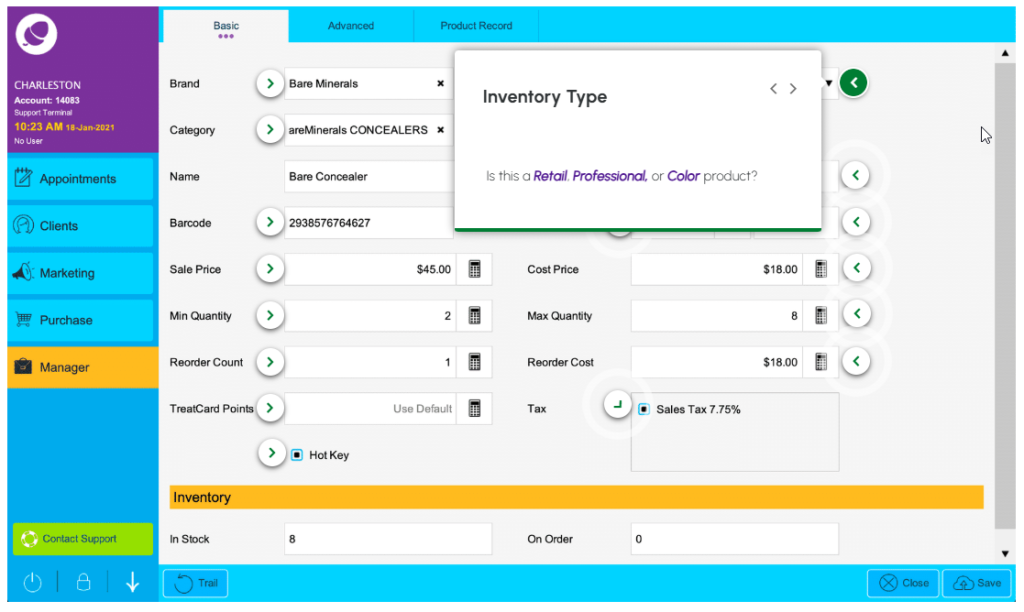
Product Profile – Code (PP Code) #
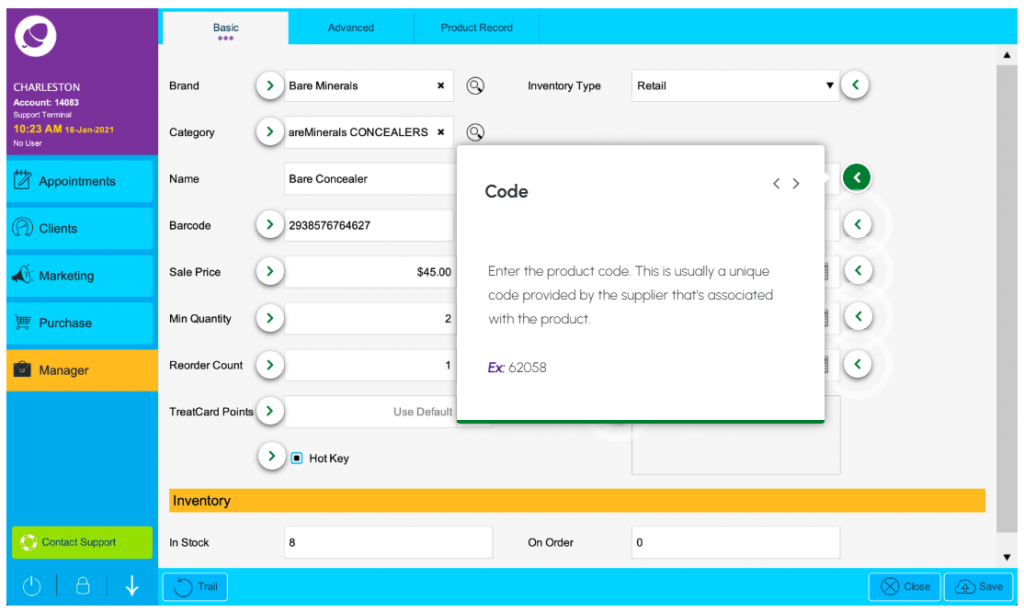
Product Profile – Unit Volume Size #
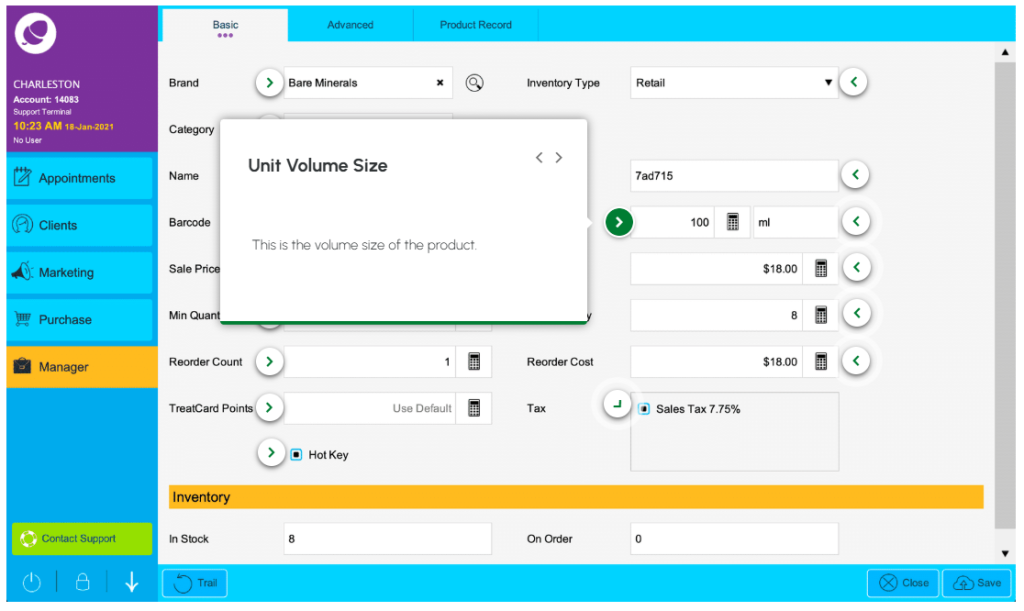
Product Profile – Unit Measure #
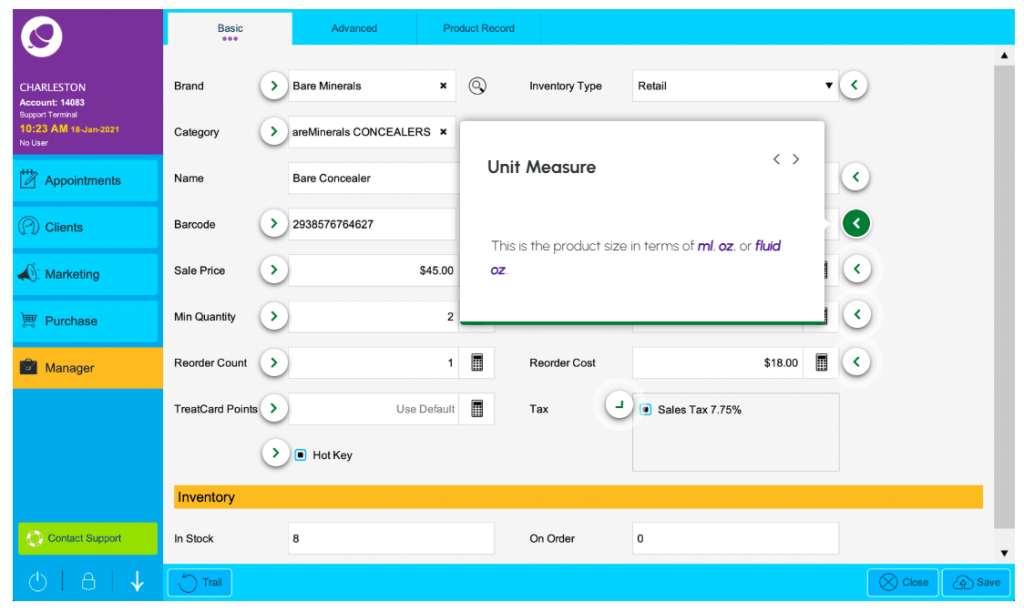
Product Profile – Cost Price #

Product Profile – Reorder Cost Price #
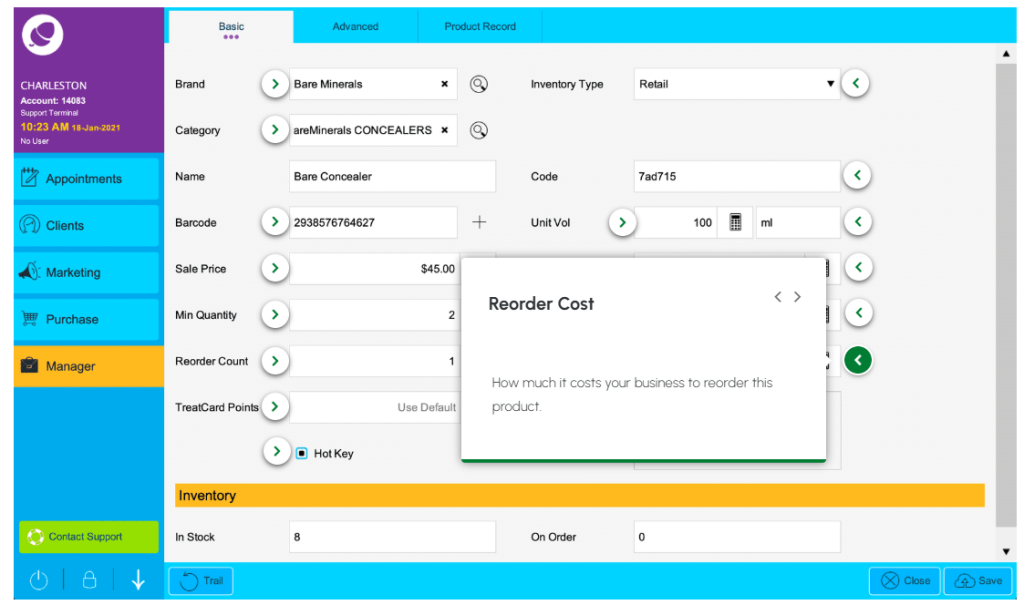
Product Profile – Tax #
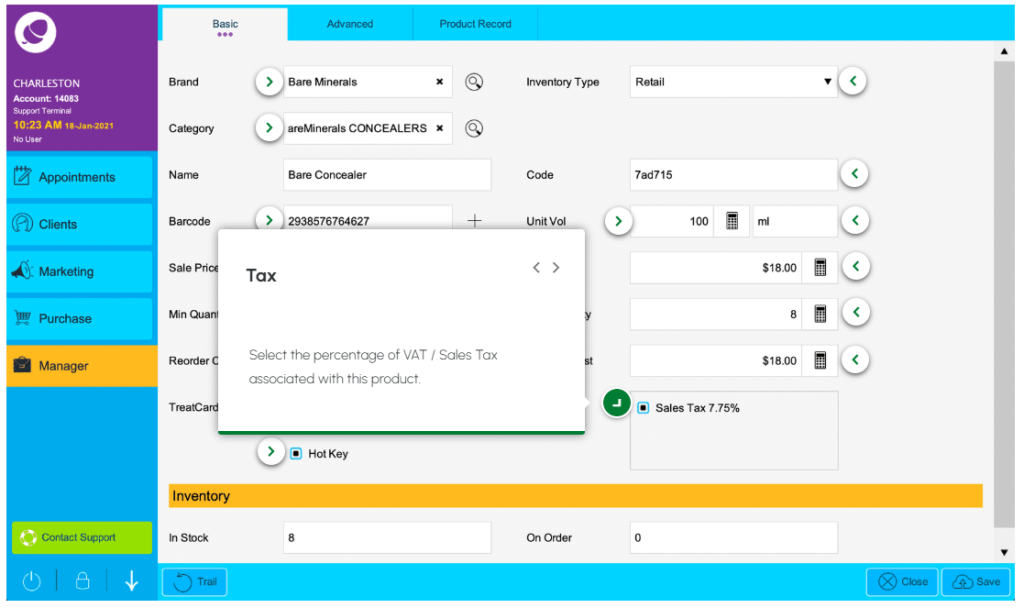
Advanced & Product Record Tabs #
To add or edit a product, we use the Basic tab. However, there are two more tabs, Advanced and Product Record, to check out too.