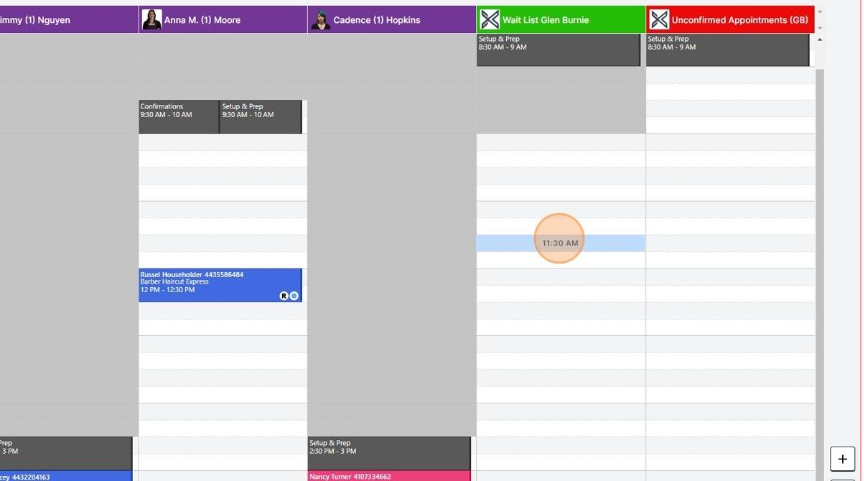
- Double-click a time slot on the Appointment Book
- Search Name / Phone Number / Email
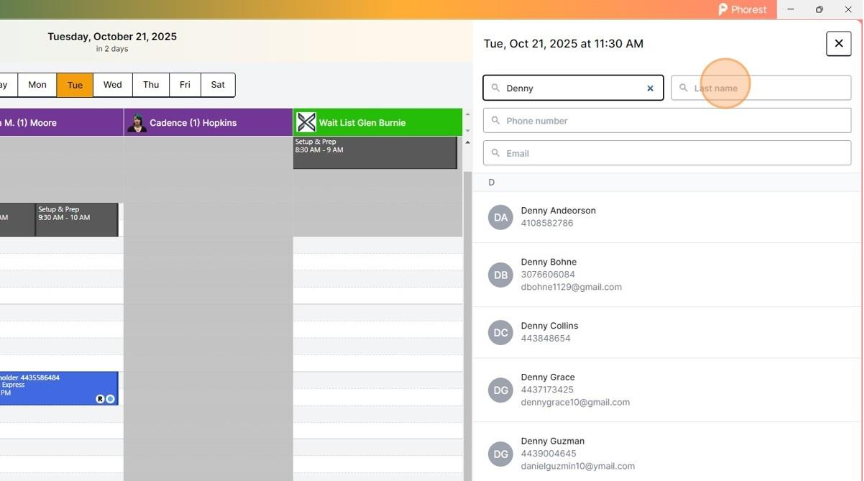
PRO TIP – Try typing in just the first few letters of the first name and the last name if you’re having trouble finding them!
- Select The Guest

- Add Service

- Select Service Category
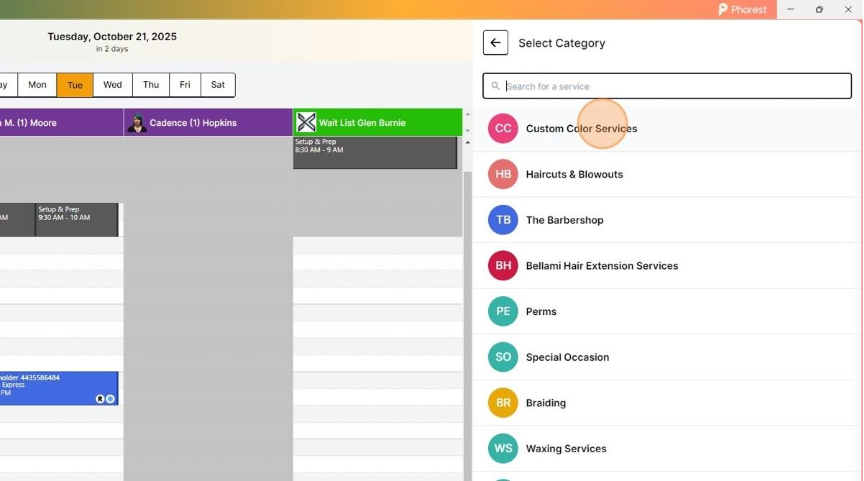
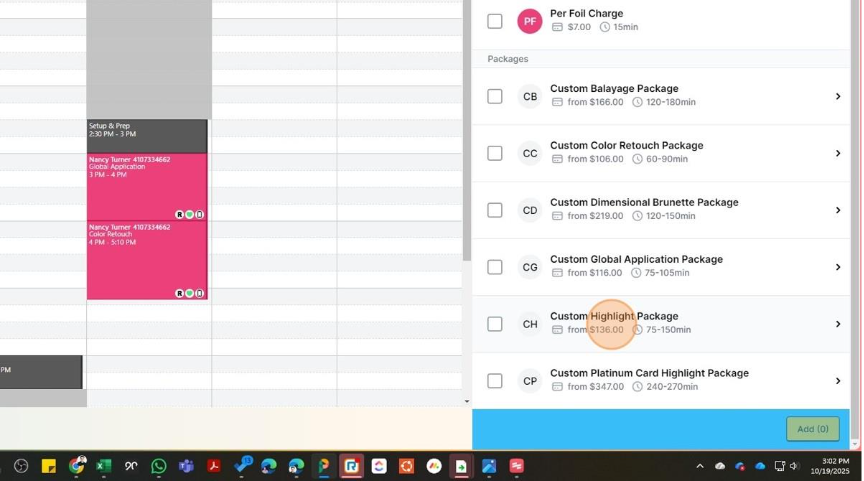
ALWAYS – Scroll to the bottom and select the PACKAGE for color services
- Scroll Down – Select Package
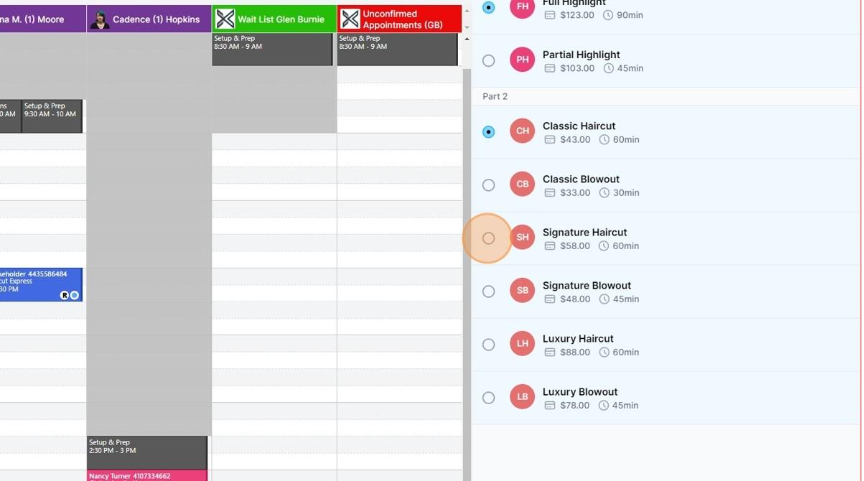
- Select Package Options
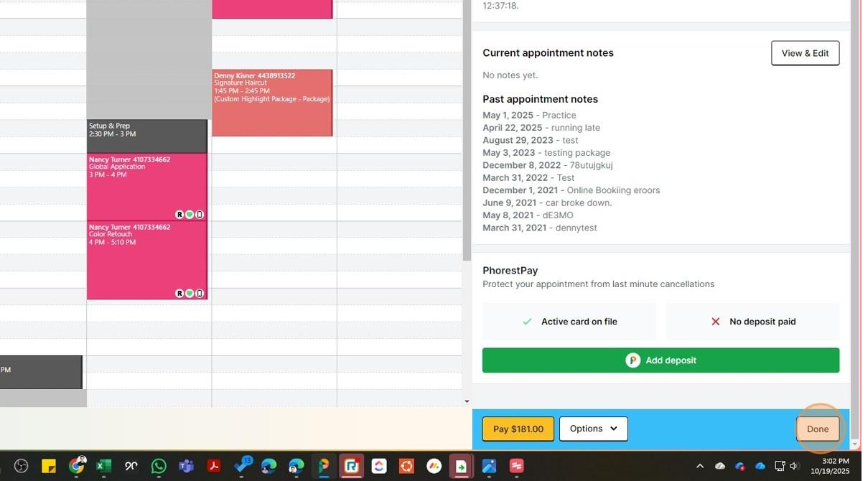
- Click Done or Add
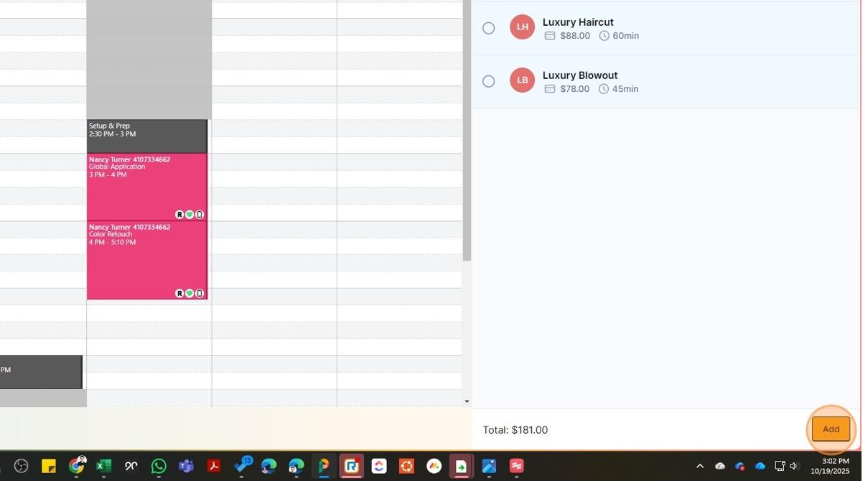
- Click Done or Add – Appointment is Booked!